Version 1.25.1 Preview · versionCode 27 · Android 8.0 or later · about 179 MB. This beta is distributed directly from this official page, not Google Play.
Check the address first: it must be software.jly.me or software.cblh.us. Do not disable Google Play Protect. If Android reports a different signature or blocks the file, stop and contact Support.
Install
Tap the download link. The file is davar-church-1.25.1.apk.
Open the completed download from your browser, notification, or Files/My Files Downloads folder.
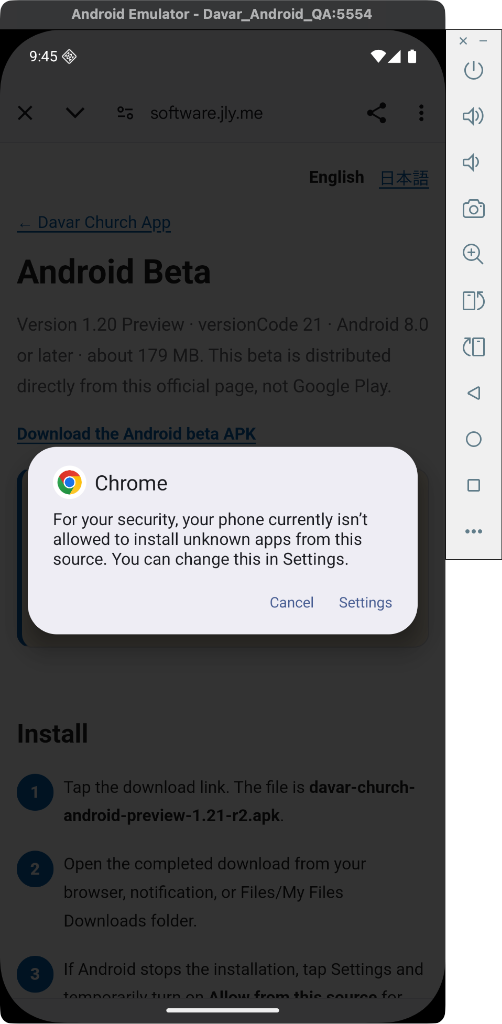
If Android stops the installation with "For your security, your phone currently isn't allowed to install unknown apps from this source," tap Settings.
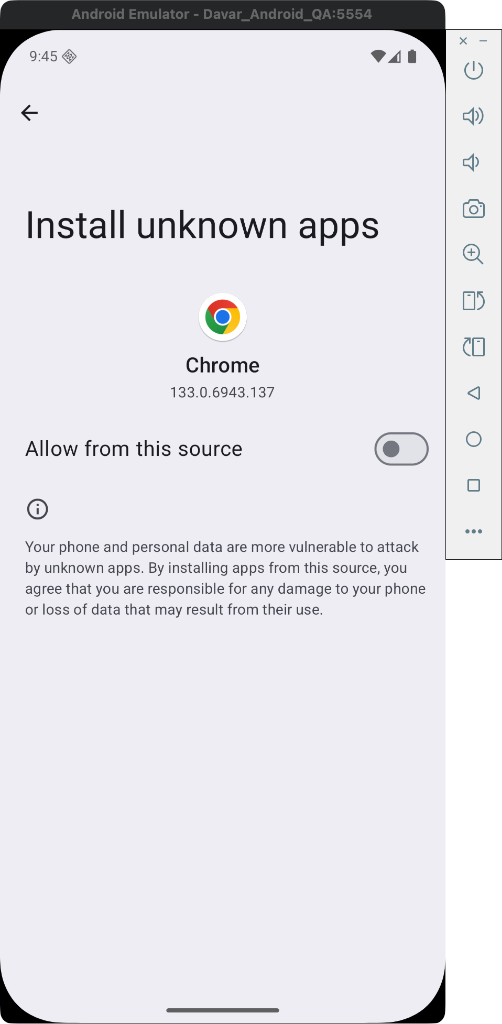
Temporarily turn on Allow from this source for the browser or Files app you used.
Go back, tap Install, then open Davar Church App.
Return to Settings → Apps → Special app access → Install unknown apps and turn Allow from this source off again.
Update
Download the newer APK and install it over the existing app. Do not uninstall first; uninstalling may remove local app data.
Troubleshooting
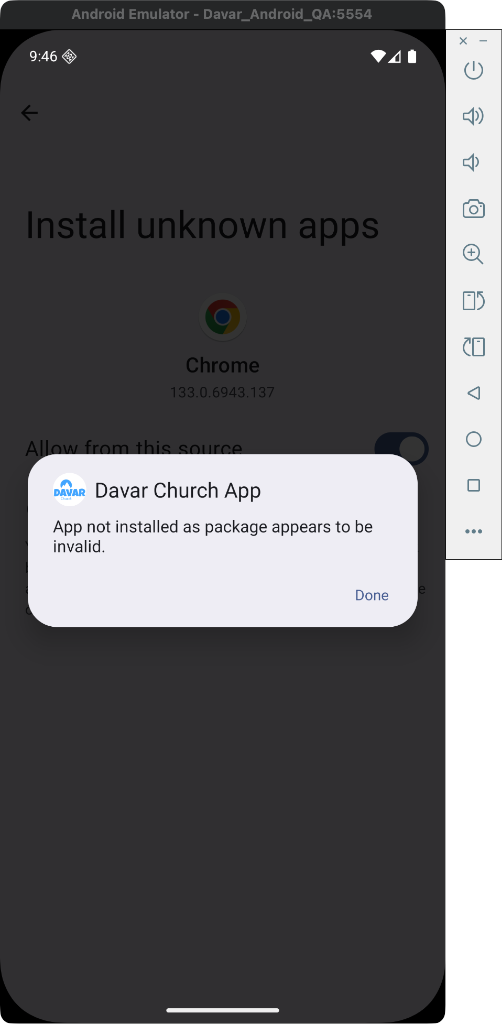
"App not installed as package appears to be invalid."
If you see this error, it usually means the signing key has changed or the downloaded file is corrupted. You will need to uninstall the existing app first before installing the new beta. Note that uninstalling will remove your local app data (such as bookmarks).
What's new in 1.25.1
Matched iOS Bible AI copy actions (Copy question and answer) and preserved citation markers.
Matched iOS Memory Verse Card gallery section on the Home screen.
Removed the legacy Saved tab and Favorites button in favor of Bible bookmarks.
 Temporarily turn on Allow from this source for the browser or Files app you used.