Your video archive stays in S3. On Mac, start playback from Finder in VLC. On iPhone and iPad, choose an MP4 in Files and play it in CloudDisk.
Coming in Mac 1.1.2 and iPhone / iPad 1.1.1. As of September 25, 2026, these streaming versions are waiting for App Review and are not yet publicly available.
Connect your S3 bucket in CloudDisk and open it in Finder. If Finder asks, click Enable.
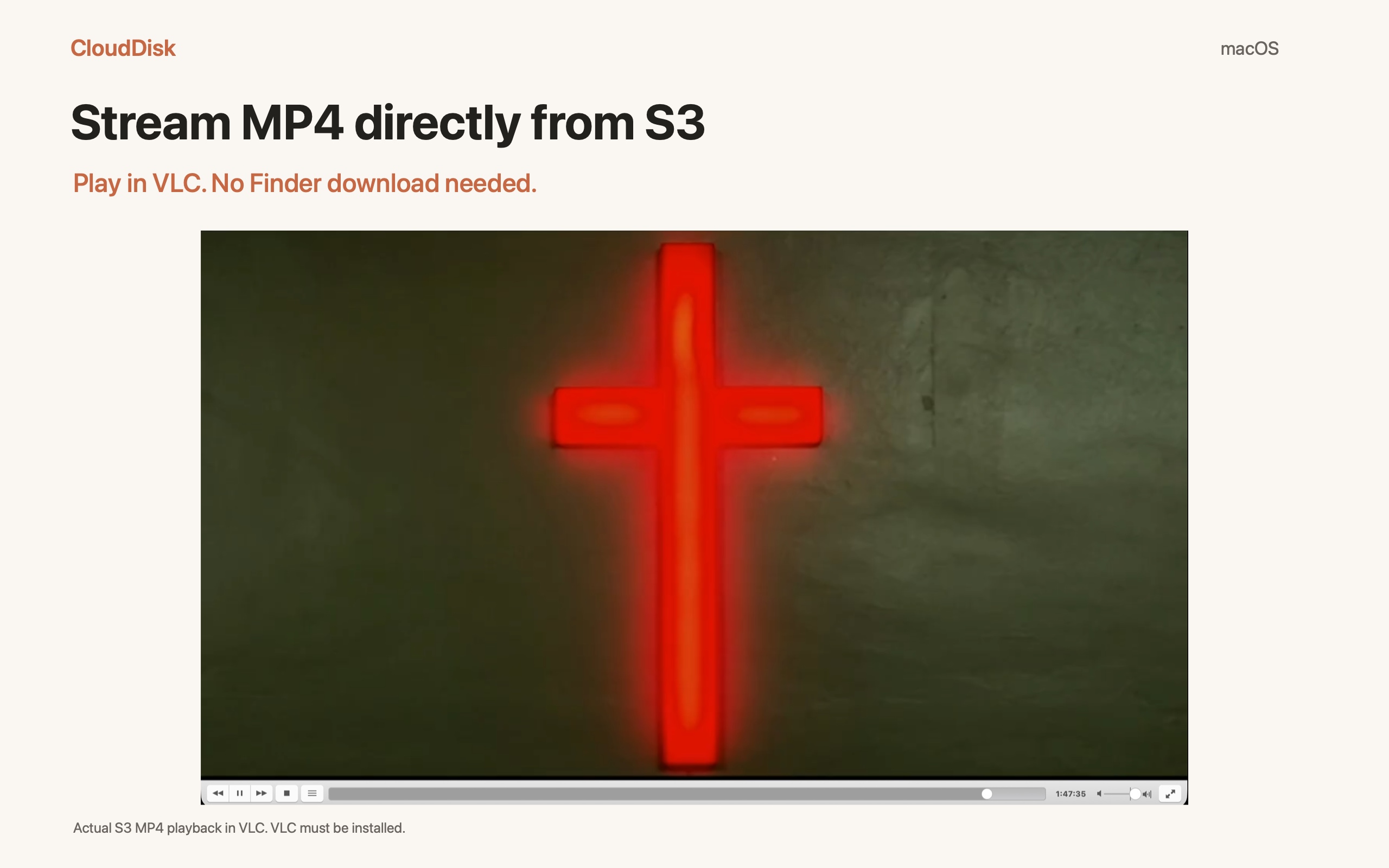
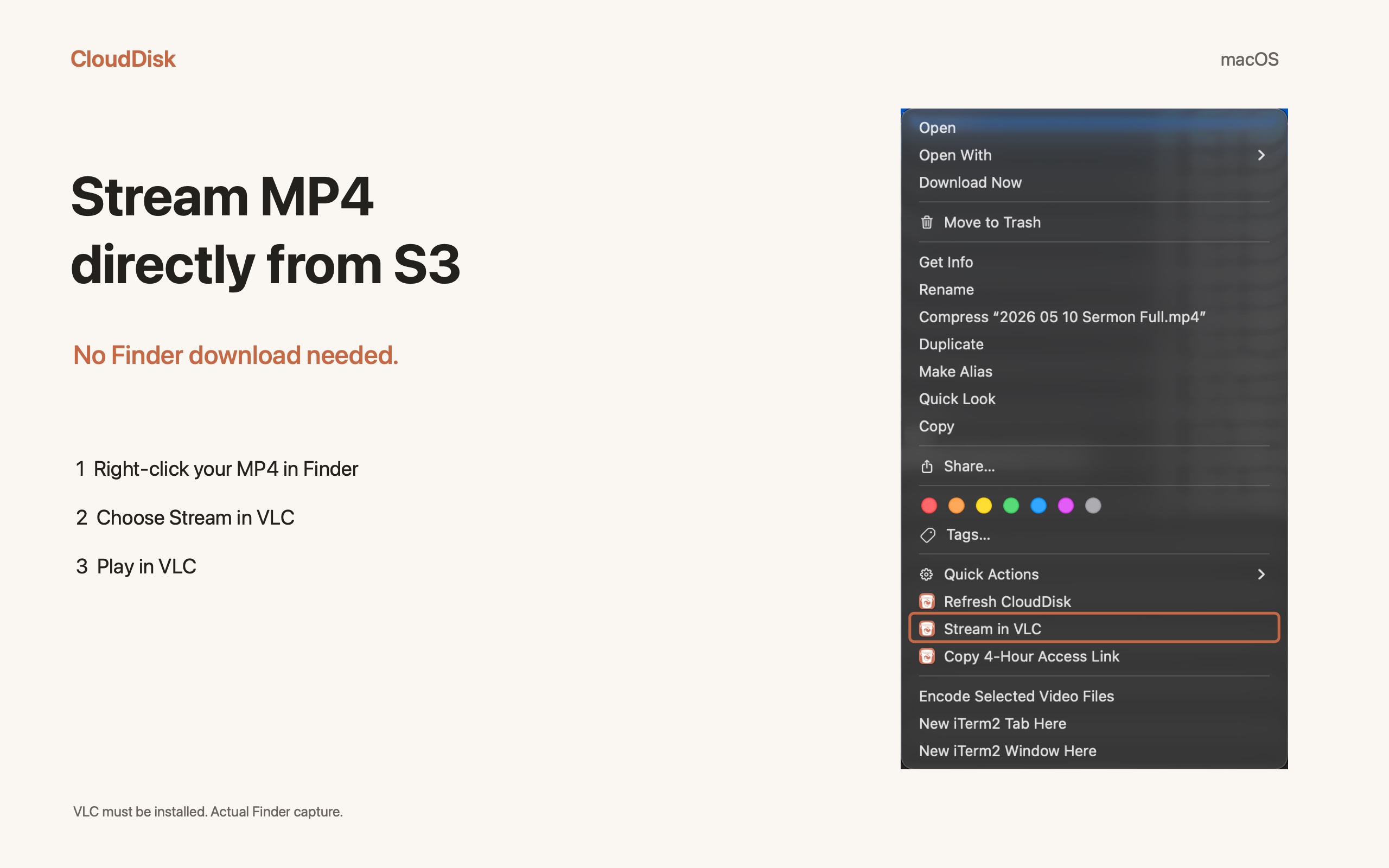
Right-click one MP4 and choose Stream in VLC. VLC must be installed.
Play in VLC. For another compatible network player, choose Copy 4-Hour Access Link and open that link in the player.
Play the S3 video in VLC on Mac.Right-click the MP4 and choose Stream in VLC.
IOS
iPhone and iPad: choose in Files.
Connect your bucket in CloudDisk. Enable the CloudDisk location in Files → Browse → More → Edit if it is off.
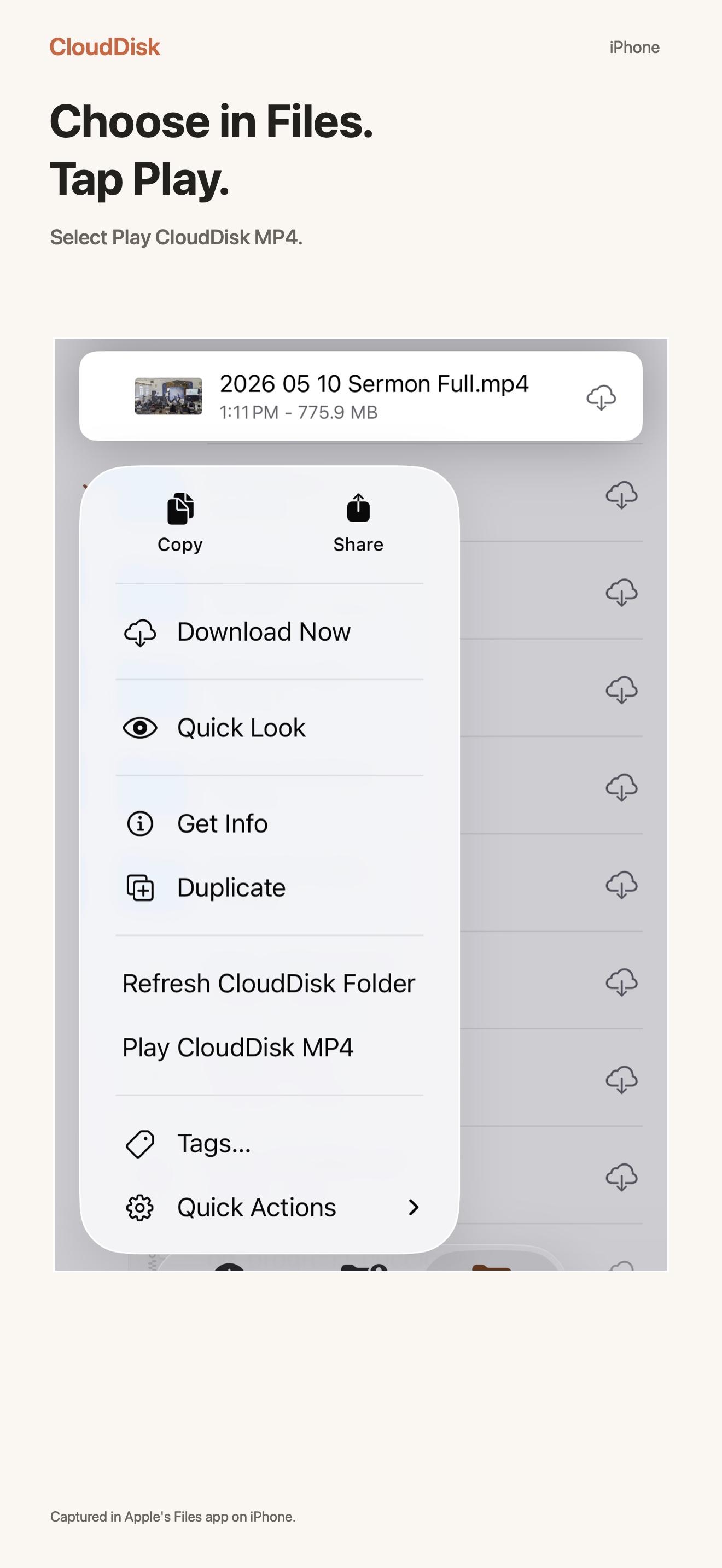
In Files, touch and hold one MP4 in your CloudDisk location. Choose Play CloudDisk MP4.
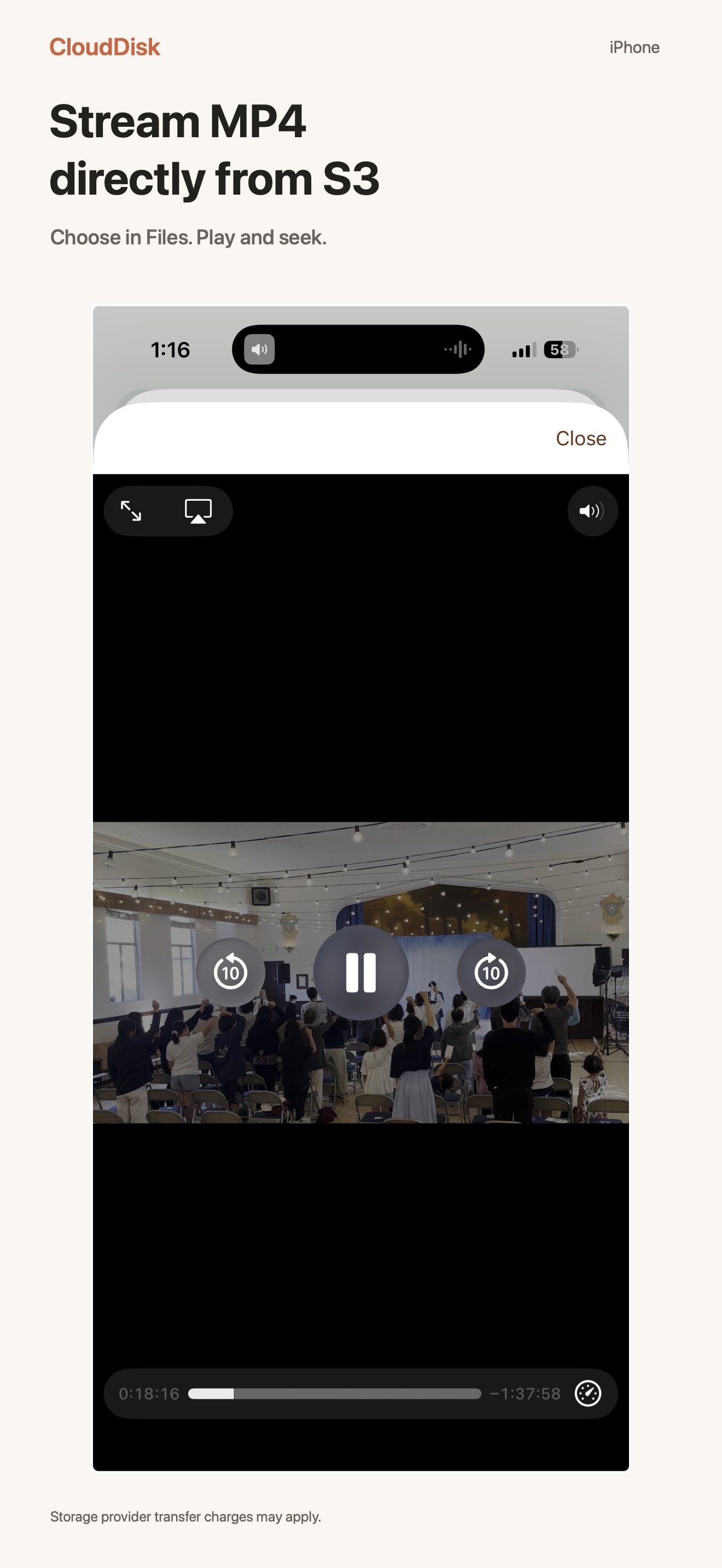
The selected video opens in CloudDisk’s built-in player. Play and seek without choosing it again.
Play and seek in CloudDisk on iPhone.Choose Play CloudDisk MP4 in Files. The same action is available on iPad.
S3 · MP4
Already keeping video in S3?
Video creators
Review MP4 footage and finished videos stored in your existing S3 archive.
Lectures and training
Watch recorded lessons from the bucket where you already keep them.
Worship and event archives
Open long recordings on Mac, iPhone or iPad from the same connected storage.
MP4
What you need
An existing S3 or supported S3-compatible account, an accessible MP4 and an internet connection. The account must permit listing and reading the object. Playback depends on the video’s codecs and the selected player; archived objects must be restored before playback.
Streaming transfers video data over the network. Your provider may charge for requests, retrieval and data transfer. Players may buffer or cache data.
A copied access link is temporary and permits anyone who has it to read the selected video until it expires. Keep it private; it is intended for a compatible player, not for publishing your archive.