Android Preview 1.36 · versionCode 38
Bible & Study
Read the Bible, explore original words and study resources, search and save your study work.
Tap a manual illustration to open it in a new tab; use your browser’s zoom to inspect details.
These are Android screens. Labels may differ with the selected language or available content; change the app language in Settings.
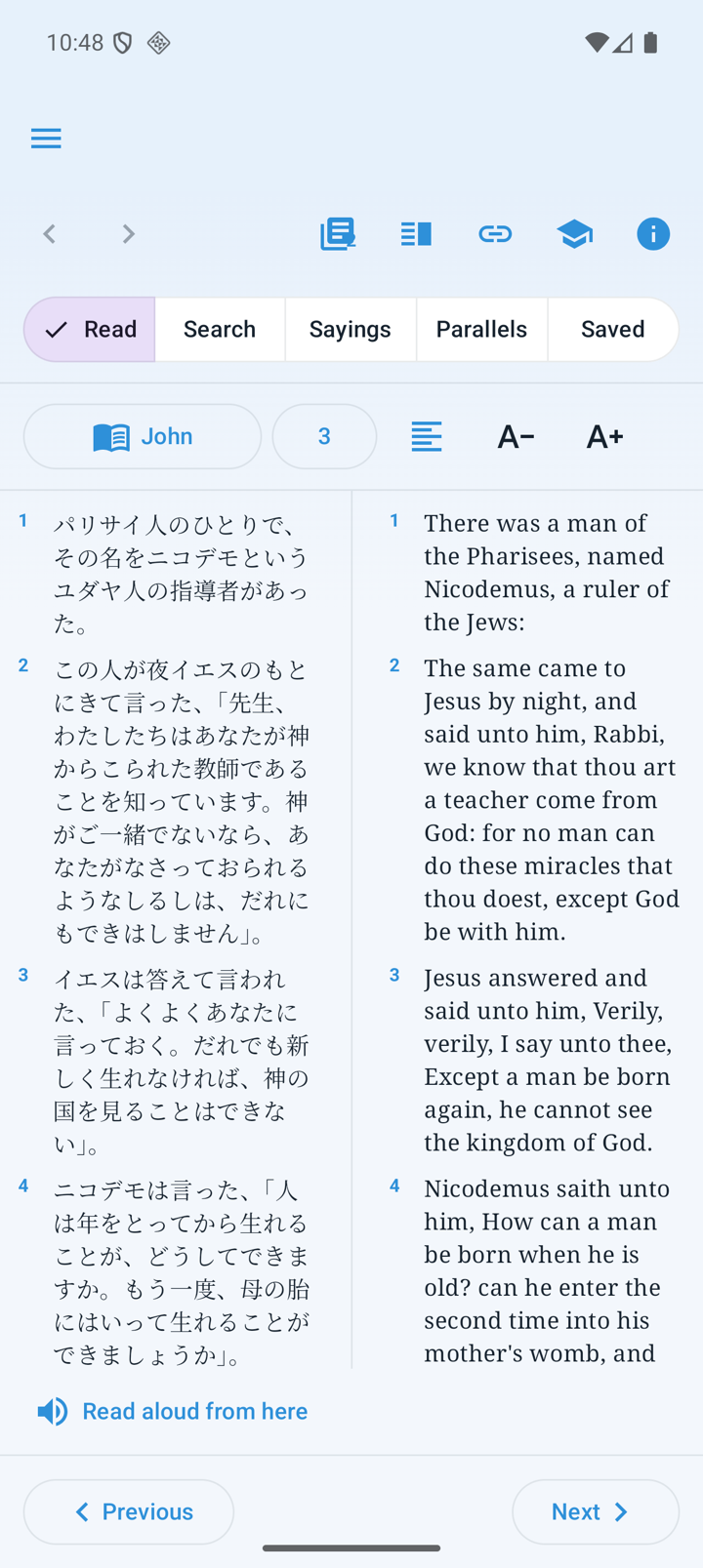
Read a passage
- Open Bible from the bottom tab or menu. The bottom bar hides while reading.
- Tap the book/chapter to navigate and choose the Bible or resource to display.
- Use one to three panes and layout controls to compare languages or study resources; check the resource name in each pane.
- Select a verse or several verses, then copy, share, highlight, bookmark, make a verse note or use speech.
- Back/forward restores reading and supported search/parallel-view state. Use the top i control for Sources & licenses.
Search, original words and study resources
- Text searchFind words in Kougo-yaku or KJV; tap a result to open its context.
- Words and occurrencesOpen a supported word for Strong’s number, transliteration, pronunciation, part of speech, definition and occurrences.
- Linked wordsCompare supported WLC Hebrew/Greek words with linked translations. Delitzsch is a Hebrew translation of the New Testament.
- Study resourcesChoose commentaries, overview, TSK, Gospel Parallels or Words of Jesus. Supported explanatory text can be translated.
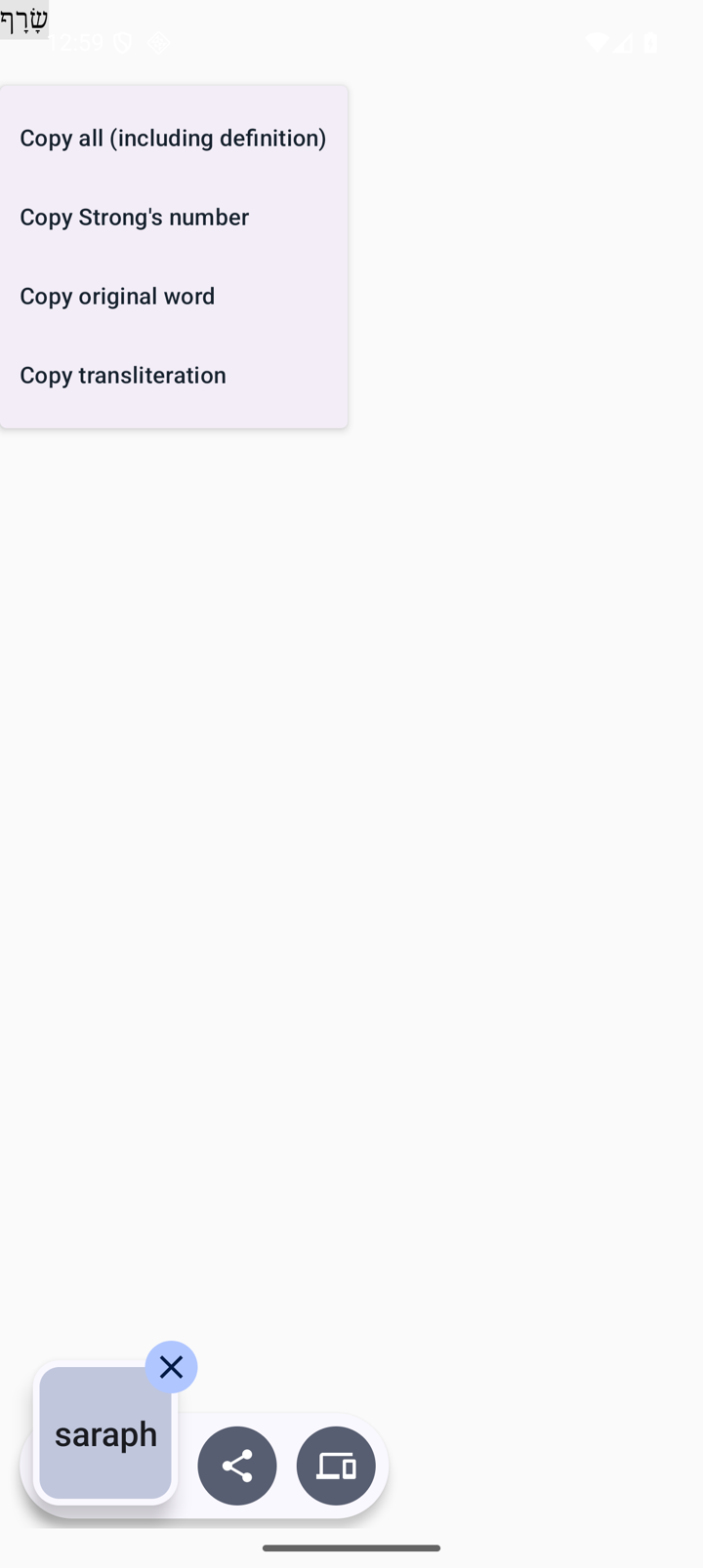
Copy everything, including the definition
- Long-press a dictionary detail, original-word search result or tagged original word.
- Choose Copy all (including definition).
- Paste the original word, Strong’s number, transliteration, pronunciation, part of speech and complete definition together. Individual number/word/transliteration actions remain available.
Saved study and Image of God
Reopen bookmarks, highlights, verse notes and commentary notes through the saved-study entries. Installed Bible text and saved study work offline; AI, some translation and resource downloads need a connection.
Image of God offers its cover, contents and approved preface before activation. Protected chapters require the six-digit key issued after purchase and the entitlement check. Purchasers with the PDF entitlement can use Download PDF and choose a destination; this installation’s entitlement is checked again before export.
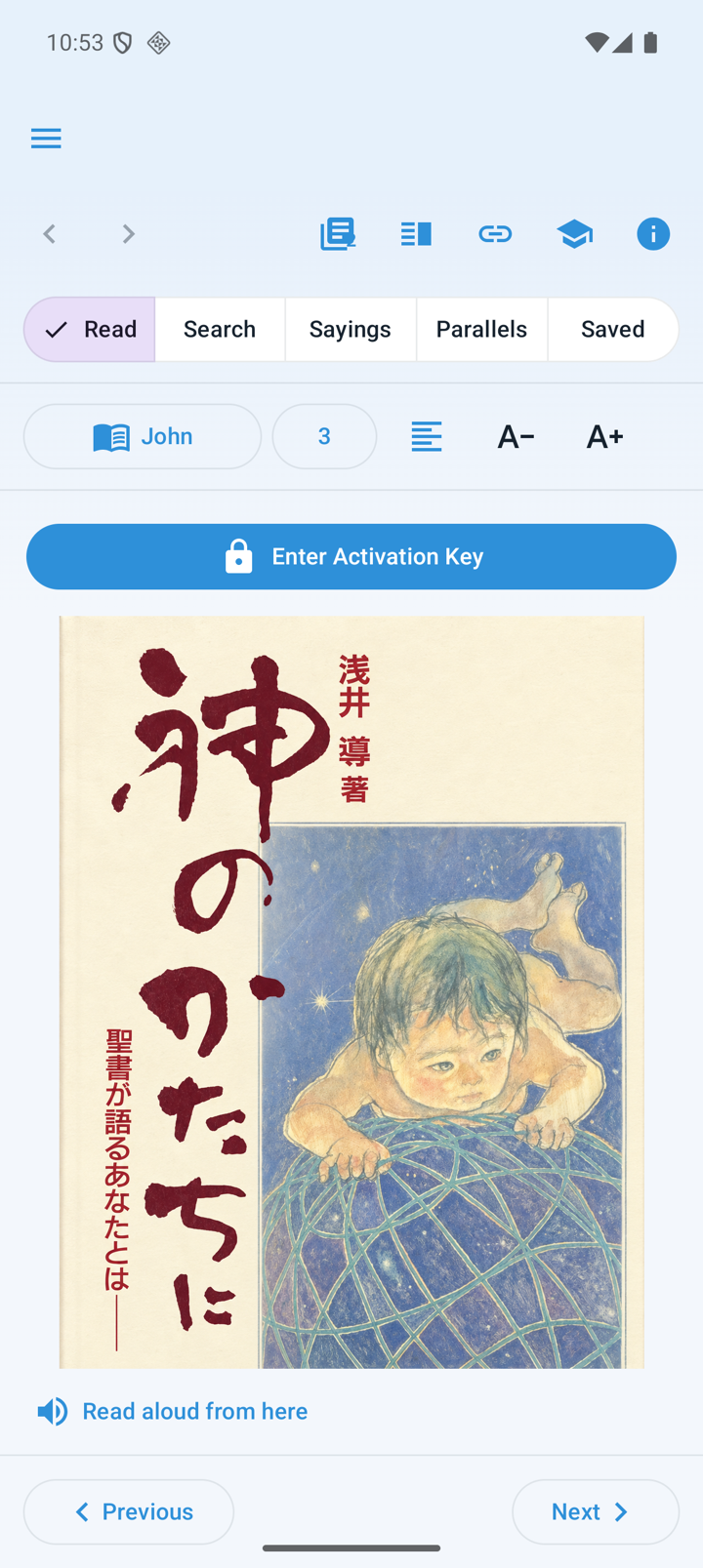
Book preview before activation
- Select Image of God from the Bible resource selector. The cover, contents and approved preface are available before activation.
- Purchasers use Enter Activation Key to enter the six-digit key issued after purchase. Follow any sign-in prompt first.
- After Activate and download succeeds, the protected book is readable on this installation. This does not make all chapters free without a key or entitlement.
- Purchasers with PDF entitlement can use Download PDF and choose an Android destination. If saving fails, check the message and retry.