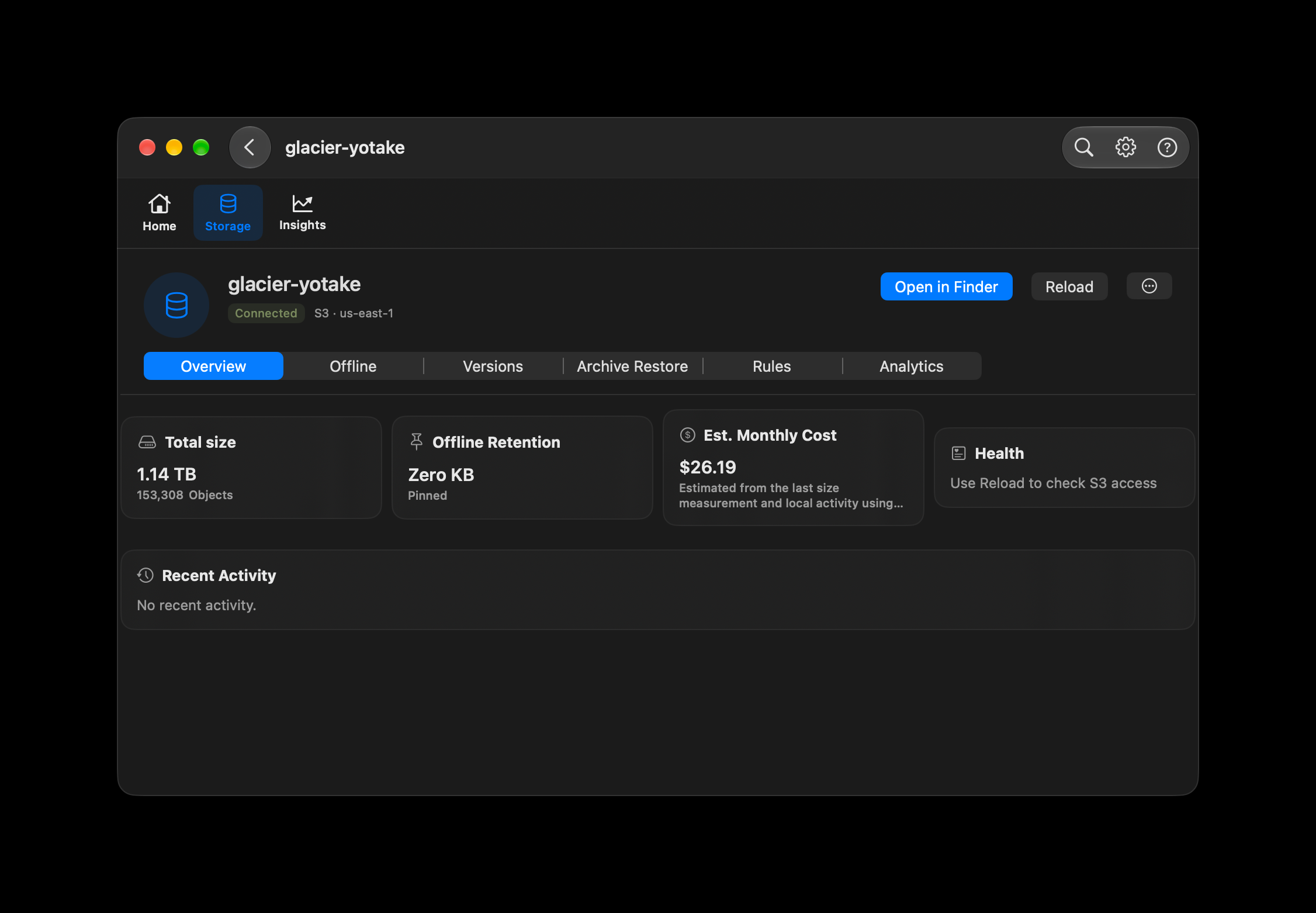
See size, objects and estimated cost.
Overview puts the last measured bucket size and object count beside offline retention and an estimated monthly cost. The example shows 1.14 TB across 153,308 objects.
MP4 STREAMING · REVIEW PREVIEW
Your video archive stays in S3. On Mac, start playback from Finder in VLC. On iPhone and iPad, choose an MP4 in Files and play it in CloudDisk.
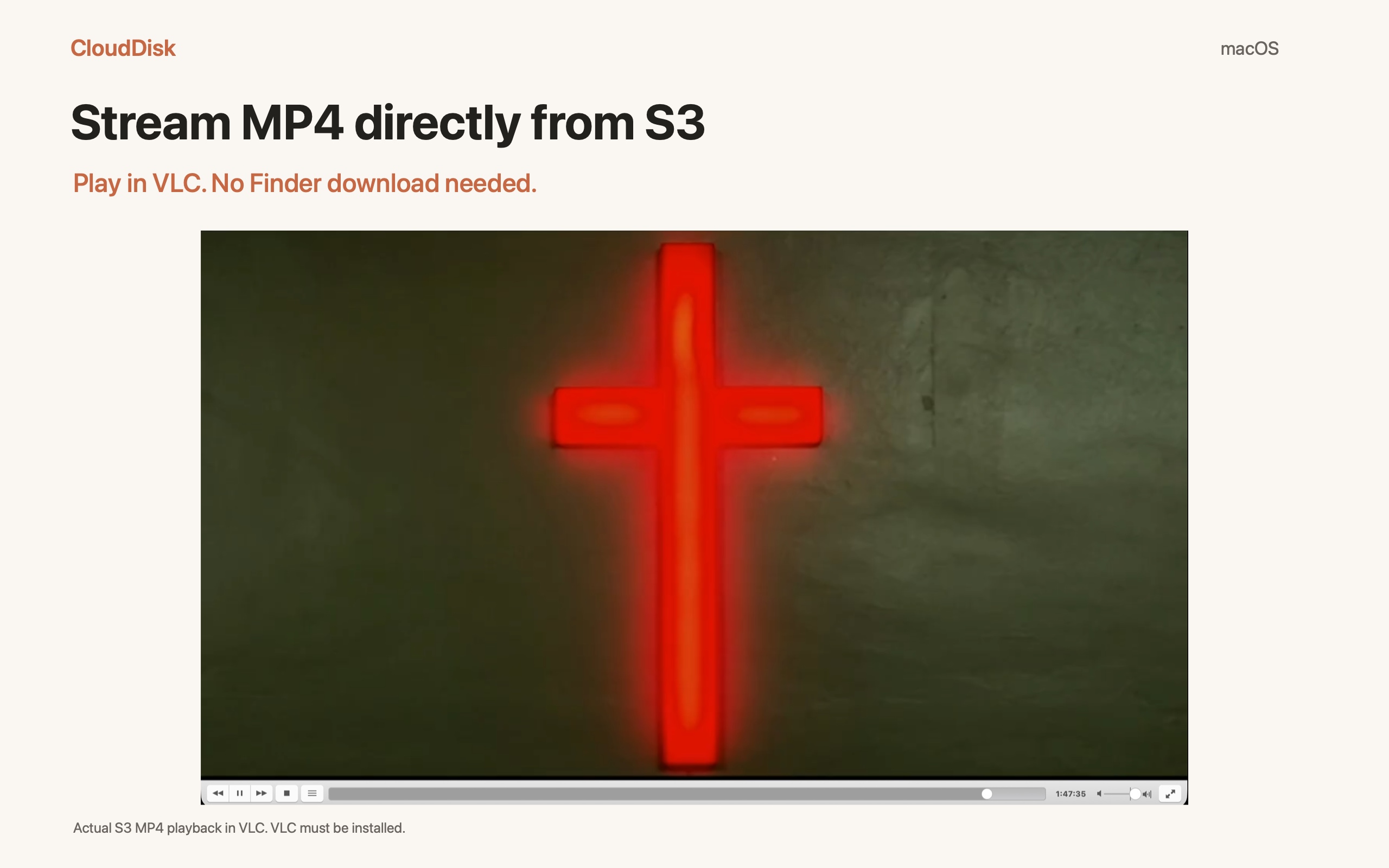
Coming in Mac 1.1.2 and iPhone / iPad 1.1.1. As of September 25, 2026, these streaming versions are waiting for App Review and are not yet publicly available.
On Mac, CloudDisk also helps you inspect bucket size, review existing lifecycle rules and find the prefixes using the most space.
Overview puts the last measured bucket size and object count beside offline retention and an estimated monthly cost. The example shows 1.14 TB across 153,308 objects.
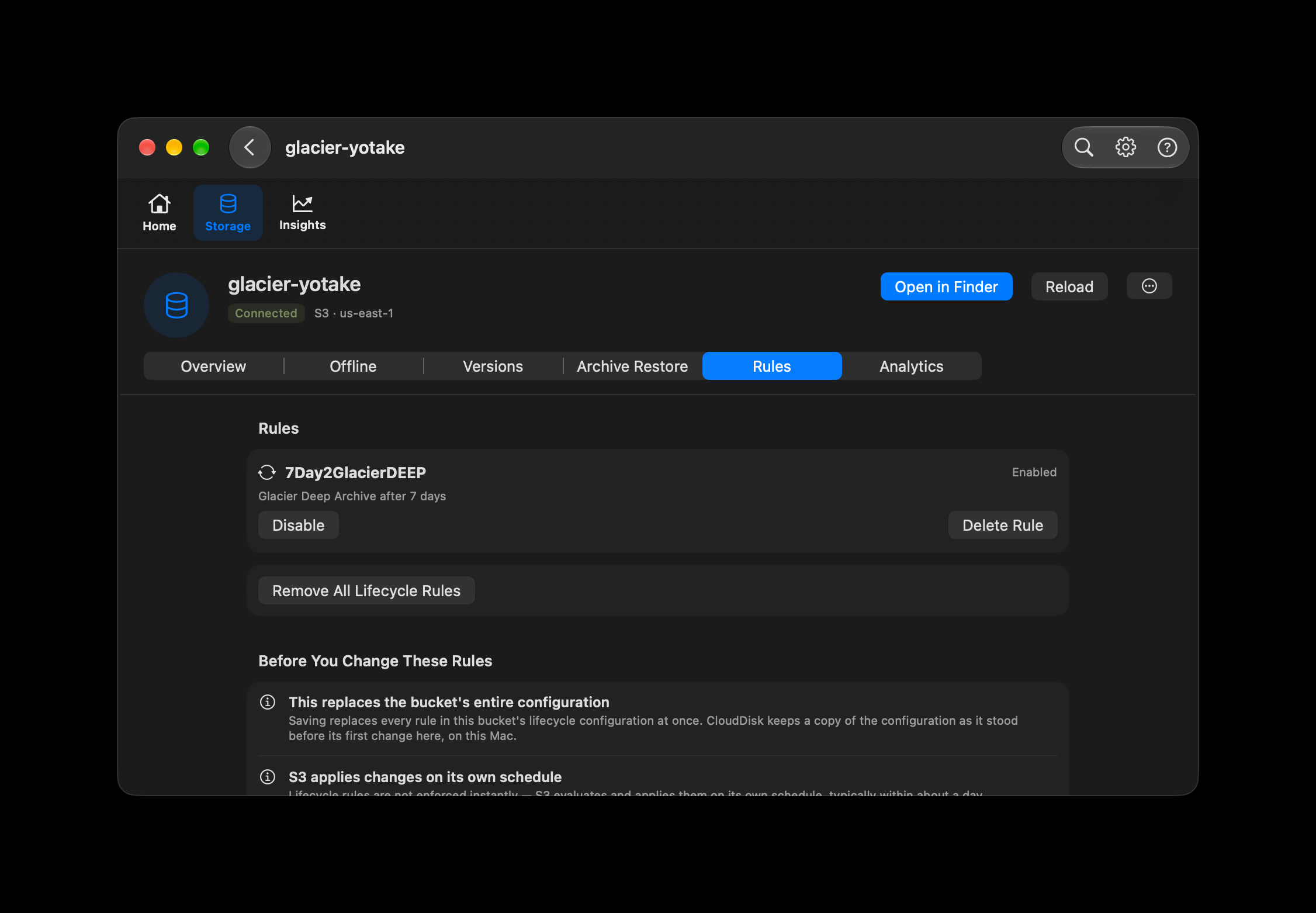
Read existing lifecycle rules and check whether each is enabled. For rules CloudDisk can safely edit, you can enable or disable a rule, delete a rule, or remove the lifecycle configuration after confirmation.
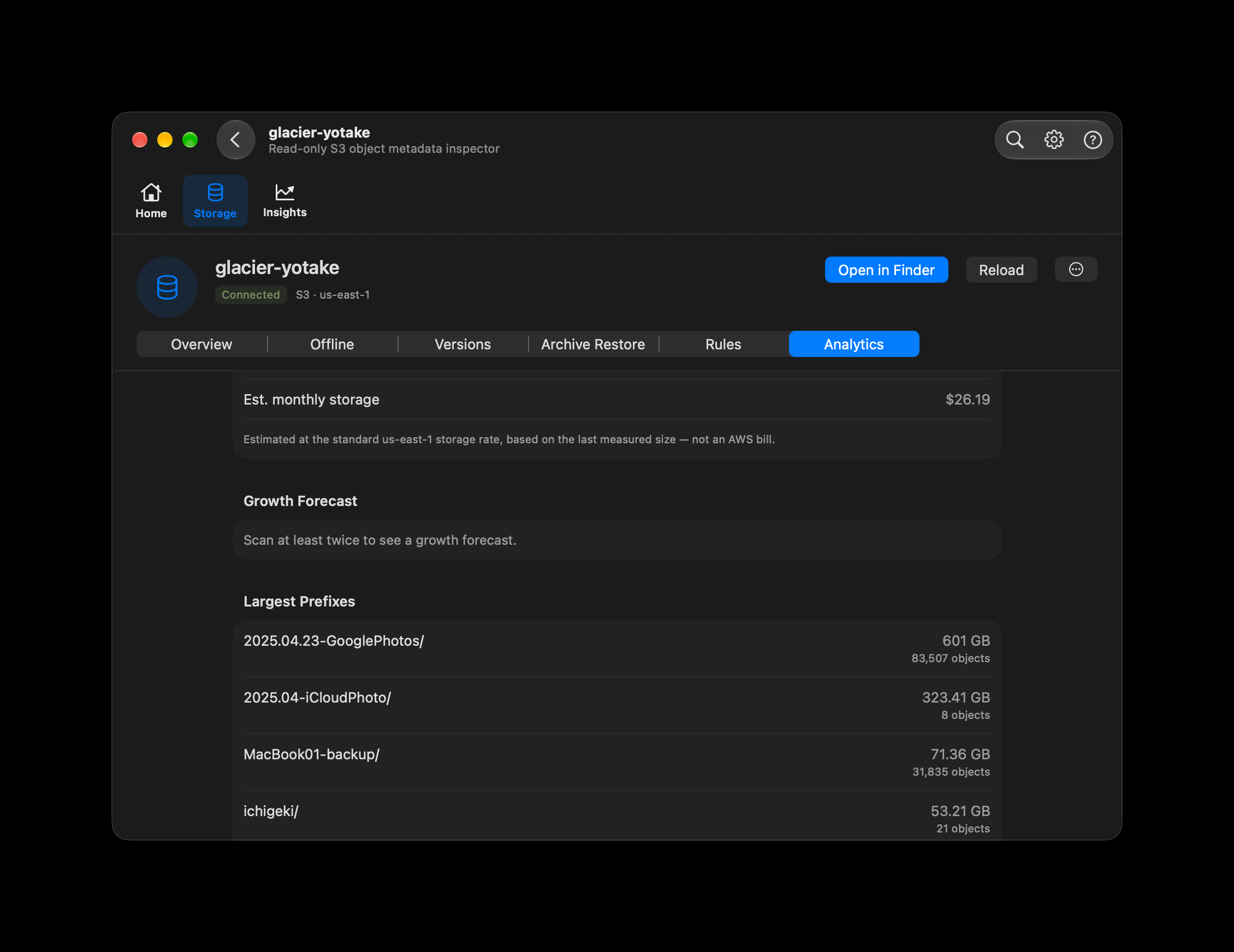
Analytics uses object metadata to rank the largest top-level prefixes by total size, with object counts alongside them. Use it to identify the archives worth reviewing first.
Review MP4 footage and finished videos stored in your existing S3 archive.
Watch recorded lessons from the bucket where you already keep them.
Open long recordings on Mac, iPhone or iPad from the same connected storage.
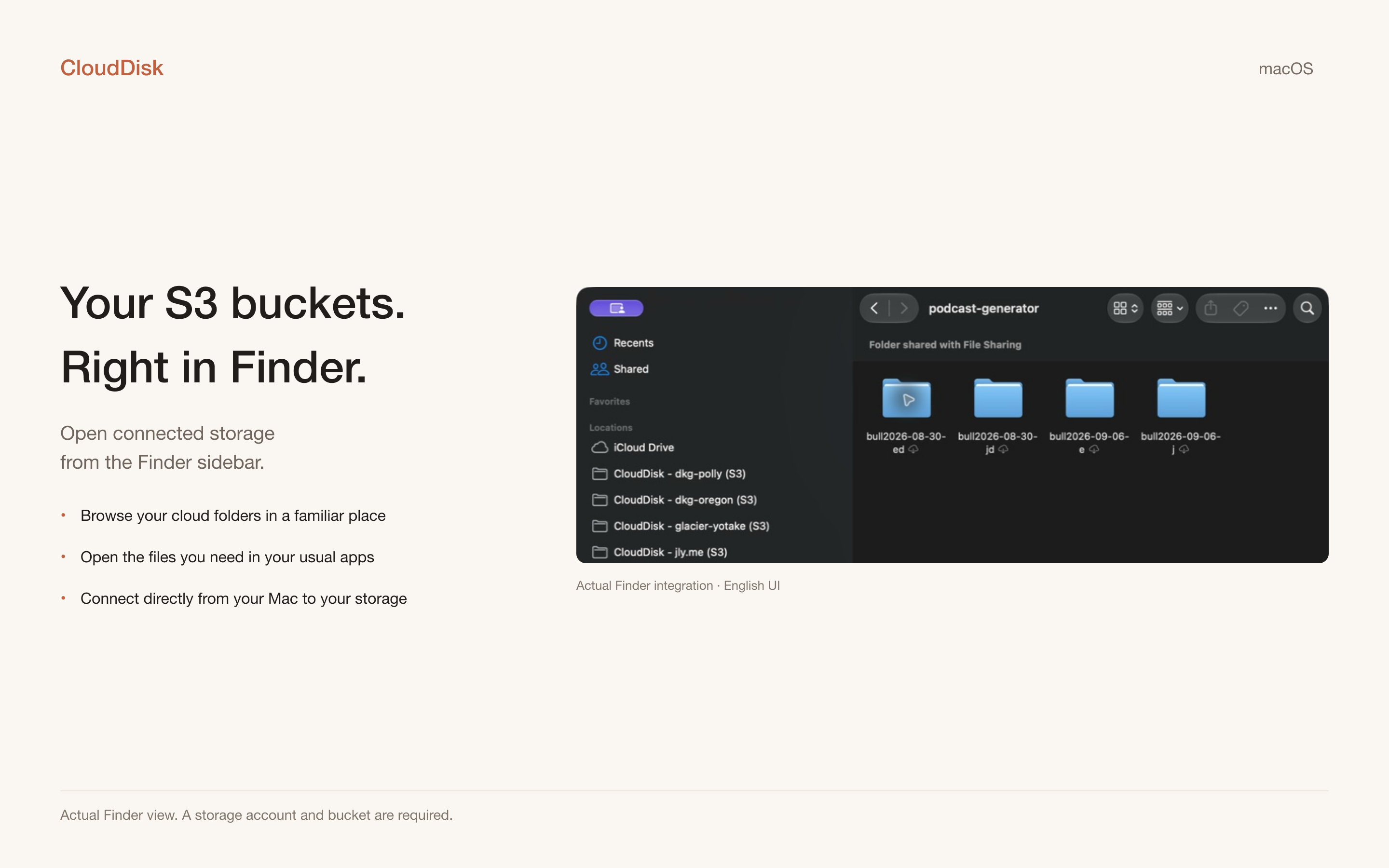
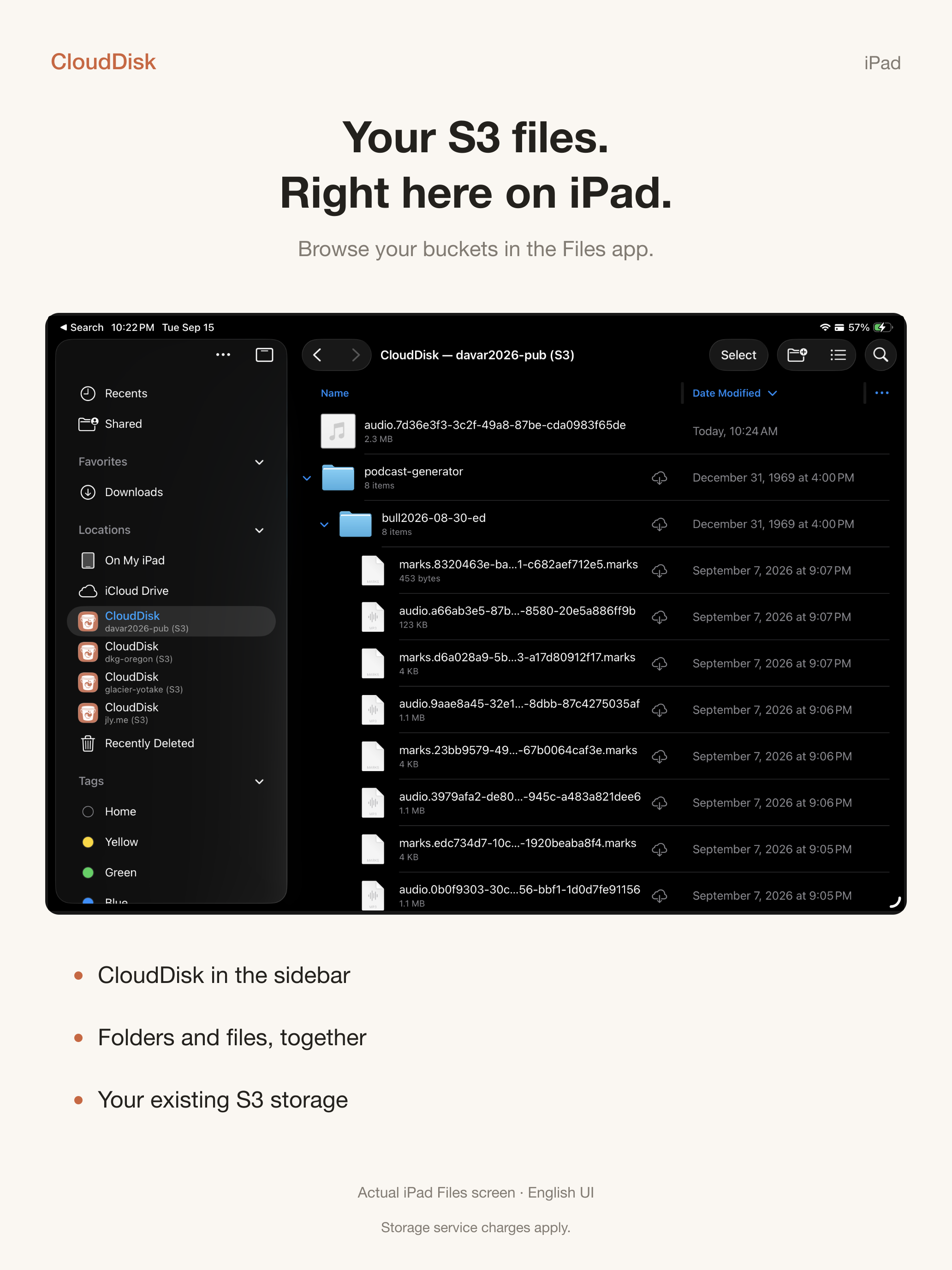
Connect Amazon S3, Cloudflare R2, MinIO, Wasabi, Backblaze B2, DigitalOcean Spaces, or another S3-compatible endpoint. Each bucket becomes a familiar file location on your device.
The illustrated guide covers account setup, Finder and Files, uploads and downloads, refresh, read-only mode, bandwidth controls, offline files, version history, archive restore, lifecycle rules, and troubleshooting.
The public Mac version is 1.1.1 (29); the streaming version is submitted separately for review. Read the current highlights or check the published version history by platform.